
Research Overview
After experimenting and experiencing all the previous exercises, from all of them the one that was most interesting and I wanted to explore most was the 360 scenes within the 3D space such as blender or Maya, but in this case Blender. Knowing I wanted to create something using blender and using that immersive experience for viewers I started generating different ideas.
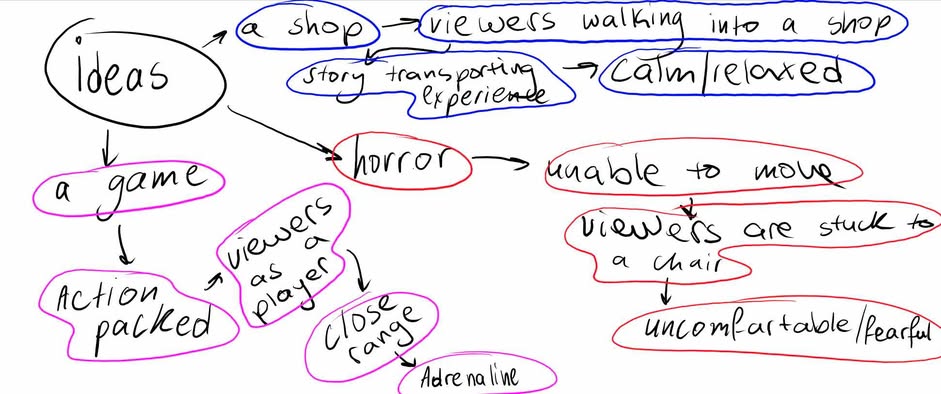
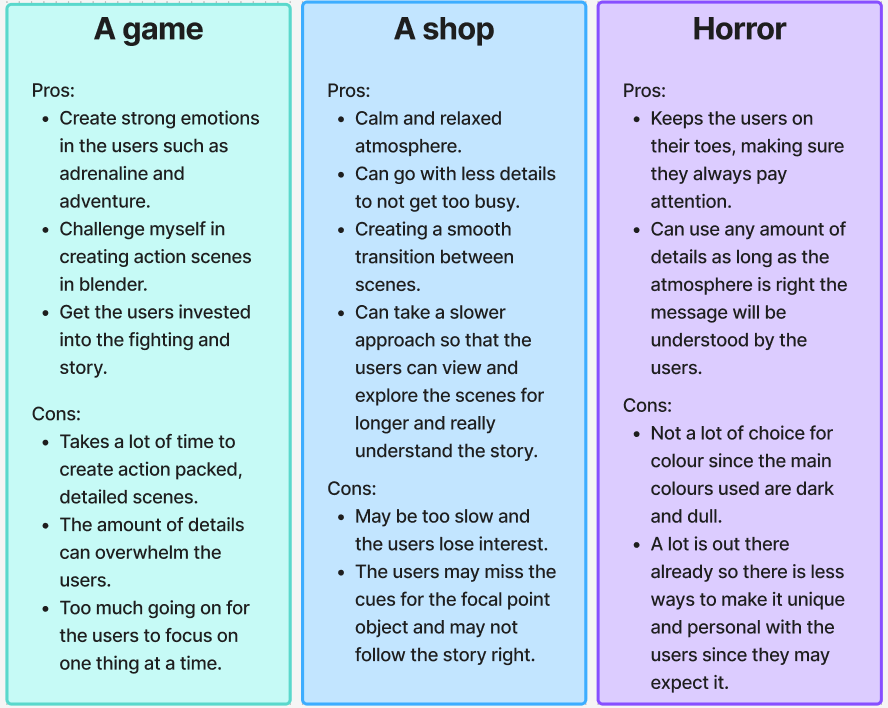
After coming up with these three very different ideas I wanted to narrow it down to one idea that will be refined and polished to the best possible extent. With that in mind I made a pros and cons list of each of the three ideas, in these pros and cons there is the consideration of user’s experience, the different potential outcomes and the emotions and experiences I want the users to have with each of those ideas.
After deciding on the idea of creating a shop in Blender that would sell globes with different sceneries inside them, I needed to decide how to guide the users to choose a specific globe that would transport them into that globe’s world. For that the final idea was to make sure that the globe is in the middle on a different shelf on its own with brighter/inviting lighting on it to temp the users to go towards that specific globe. With this being a 360-view scene, the users can turn any way they want, they have the free will to choose the story, which is why it’s crucial to have a focal point towards a specific object that is required for the users to choose to continue moving the story forward.
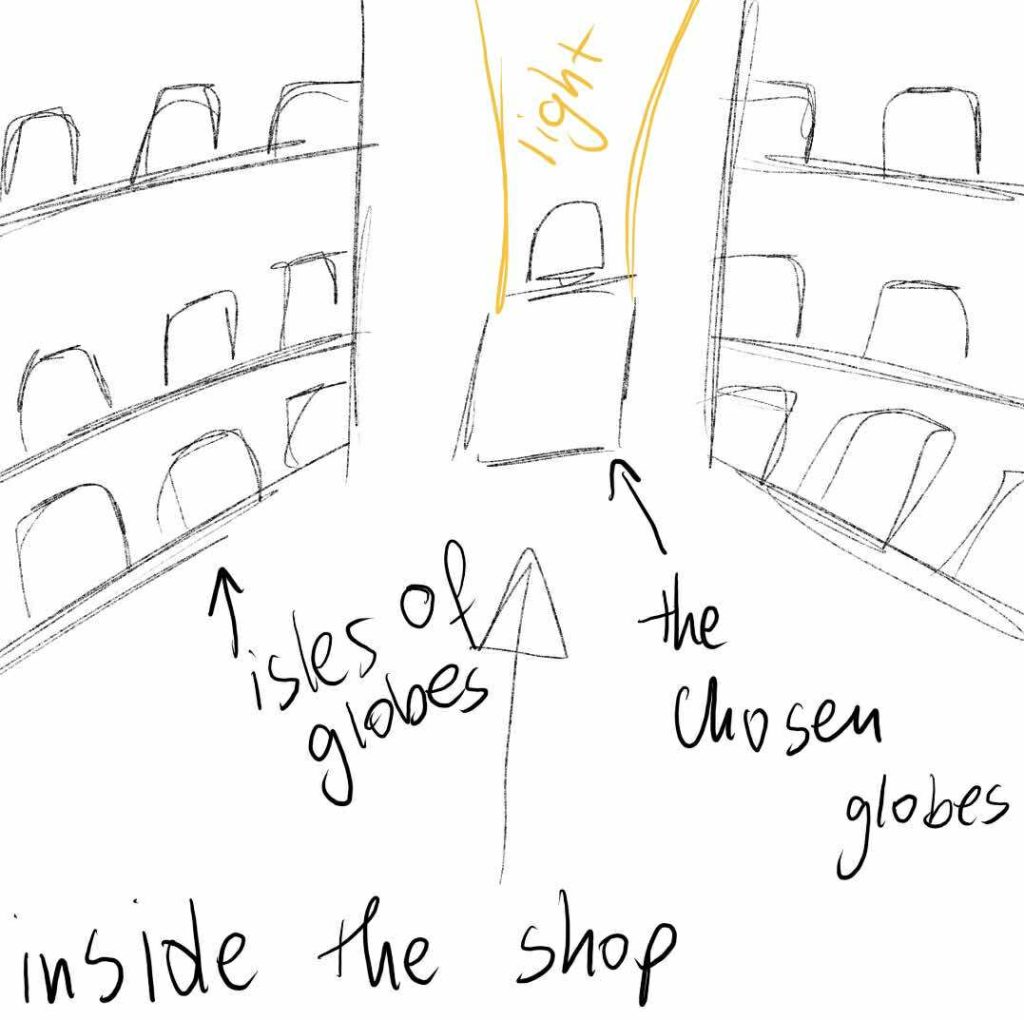
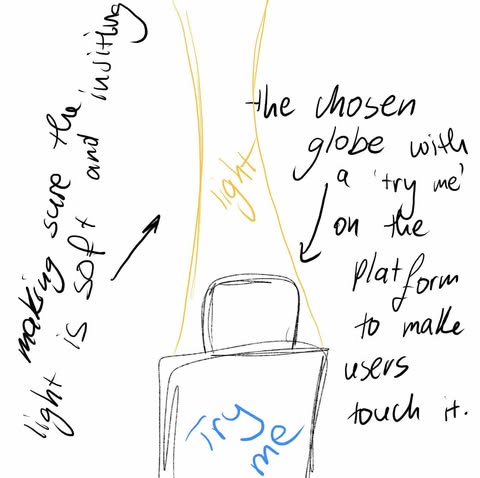
(Sketches of the shop and how it will look for the users when they enter and get close to the globe.)
Following the final project decision, I wanted to see what else that is out there is like this idea, to see what else exists and see if it can influence or inspire my idea as well as to see what I should avoid and wouldn’t work as well.
When looking for similar concepts online one of the matches was a video game ‘Super Mario 64’ the 1996 version of the game, specifically the part of the game where Mario is in Princess Peach’s castle and has to use different portals such as a painting or a hole in the wall to get transported into the other rooms/worlds to get the stars (1). While this is not my exact idea the part that inspires me is the way the game uses a black out screen that either fades or is in a shape to create a more smooth transition between the different scenes, this could be applied in my idea by using a fading transition to not startle the users when they touch the globe and get transported.
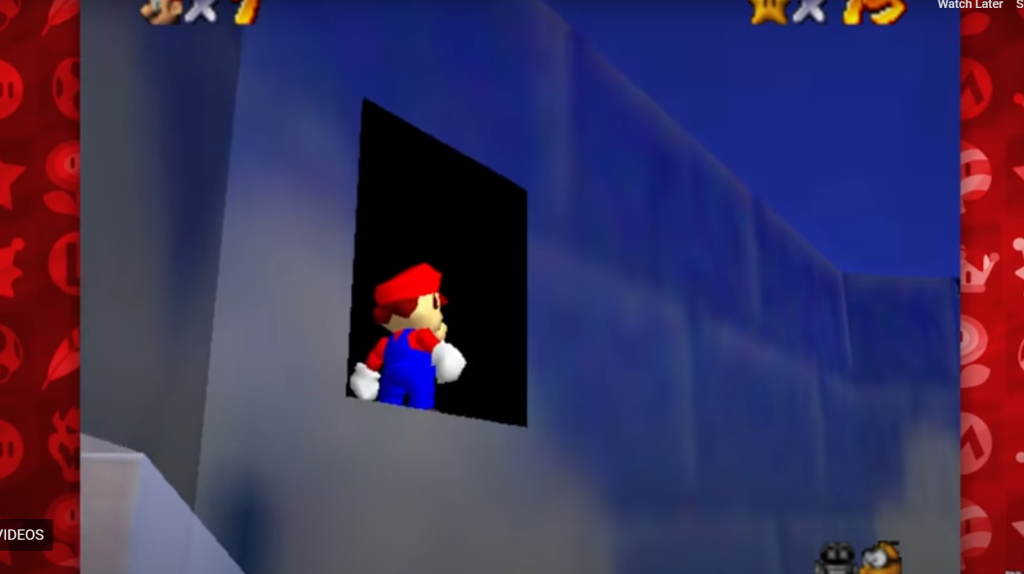
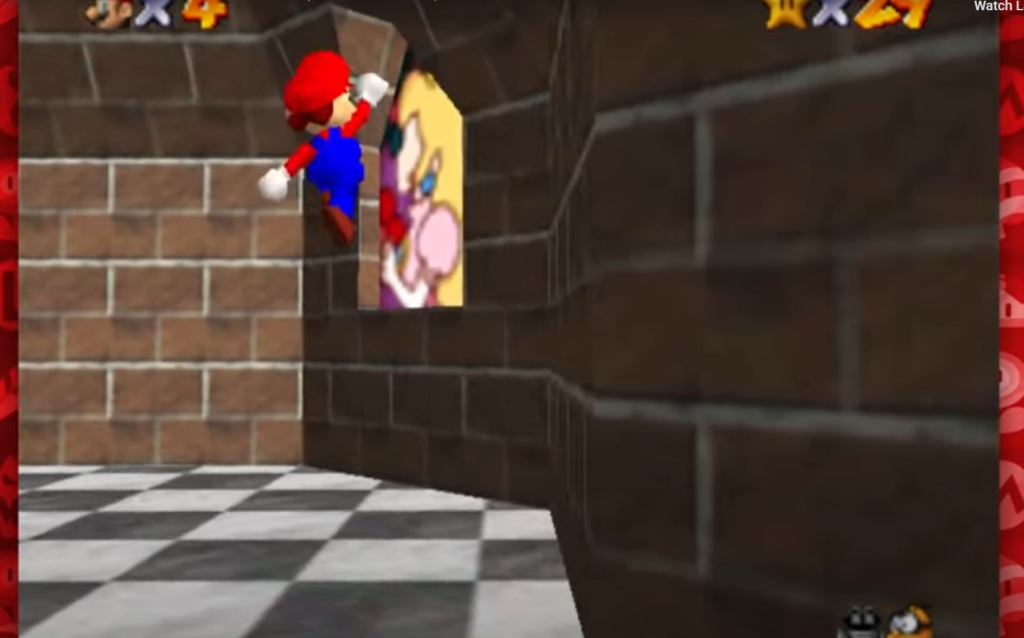
(Screenshots of the YouTube video of how Mario is transporting to other scenes in the castle.)
Another example of a similar idea is VR experience on YouTube called ‘The Key’ (2) in which the user is wearing a VR headset and is going through different questlines, transporting to different dream like worlds using a key. While watching this experience, I learned that VR is not the way to go with my idea due to how shaky and overwhelming the users could become. This example made me think carefully about how busy I want my scene to be for the users, making sure to not add any details that don’t add anything to the scene or story in any way, since ‘The Key’ experience is busy with many different details that get a little lost when the users are moving and looking around and I want to avoid that feeling in the users in my project.
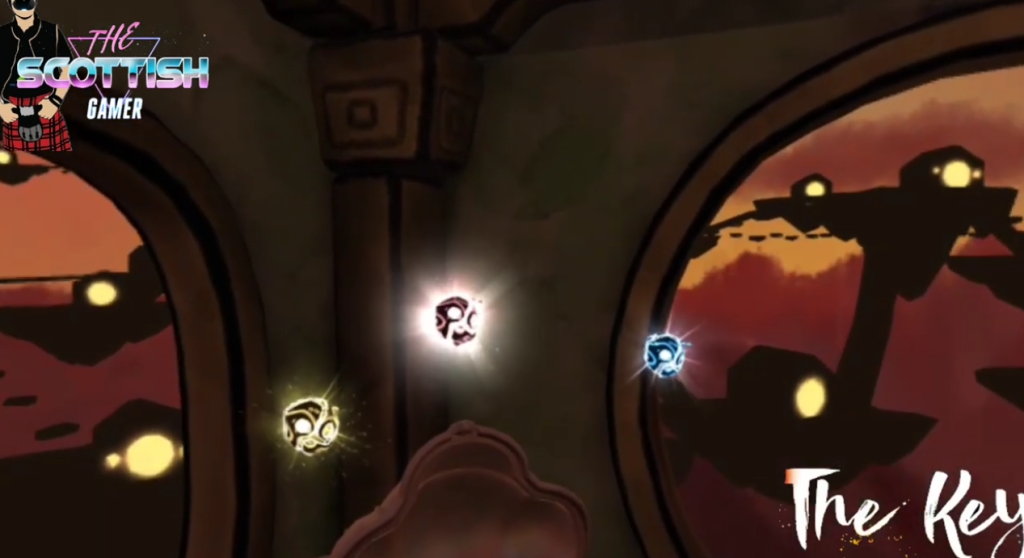
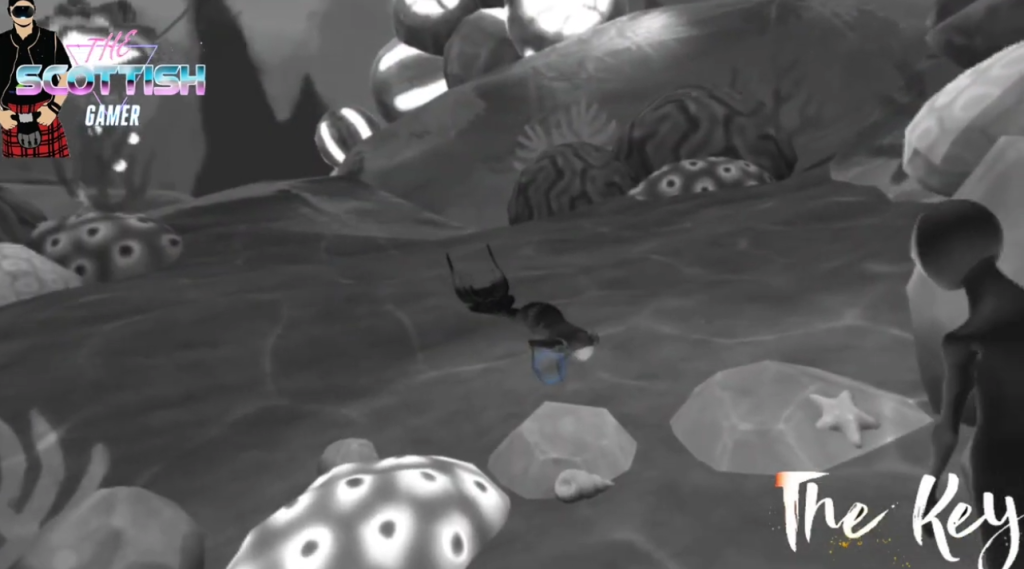
(Screenshots of the video showing how The Key can be a bit overwhelming with the amount of details and different things going on at once.)
An additional example of a real-life experience would be the ‘TeamLab Borderless’ installation in Tokyo. This installation allows viewers to walk through rooms that blend into a different scene creating a breathtaking show of colours and changing in scenery. This example inspired me to look at the kind of colours and composition of my project, making sure the colours are not harsh on the eyes and easy to transition between, like if the shop is a harsh vibrant purple and the globe scene is a soft calm blue the users might feel the transition too hard which runs the risk of them becoming uninterested or even overwhelmed with how much contrast there will be between the different scenes. This reminds me to make sure the different scenes are cohesive and harmonises together even if they are two completely different places and ideas, since the users will be transitioning from one to the other and any stark differences will just put the users off on continuing through with the experience.
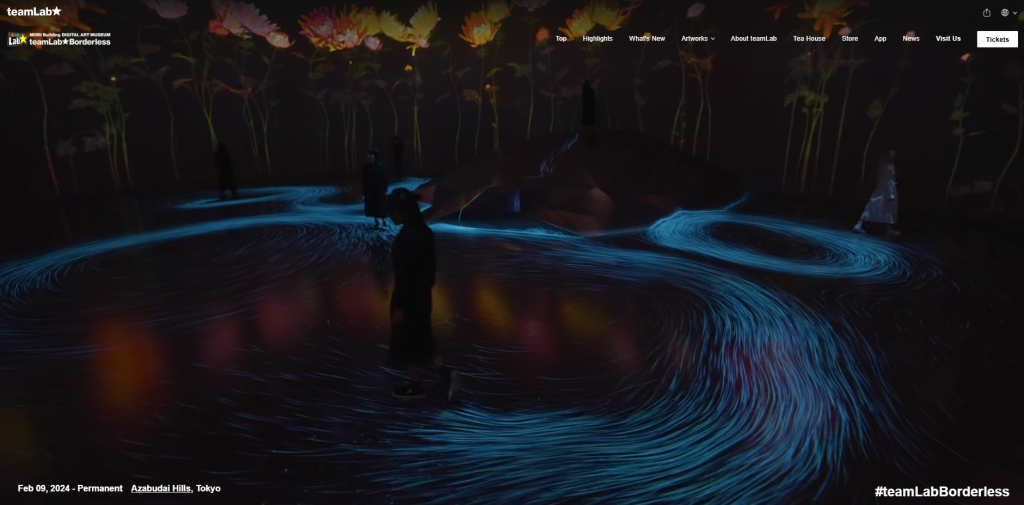
Lastly, the final idea is to create a scene (shop that sells globes) making sure to have a specific object in the spotlight as the focal point (one of the globes in the middle of the shop with lights and composition guiding the viewers to it) that when the users touch or get close to it transports them into another scene (touching the globe transports the users inside the globe changing.)
Project Plan
After deciding on the final visial plan that the project would go towards, the second and most critical part of such a big and adventurous project is to make sure the steps that need to be taken are well planned and followed as to make sure that the time needed is used efficiently and productively. When using Blender a big part of the project will be rendering which can take a long time with such a long and throughfall idea which is why I need to make sure to leave enough time for the project to render at the end.
Before creating an in-depth step by step guide first I need to list out the things that need to be done in this project before placing their importance and estimating their needed time, when giving the steps an estimate time that will be taken to complete I can also give myself a slot of time for potential and unexpected issues and problems that I may run into while making this project such as problems with the 360 view port making it difficult or impossible for users to turn the view in 360 which will sacrifice the feel of the experience for the users, as well as making sure the scenes created are 360 friendly, making sure they have something even behind the main object since the users may turn around at any point and it will ruin the experience if they have nothing to see when they turn.
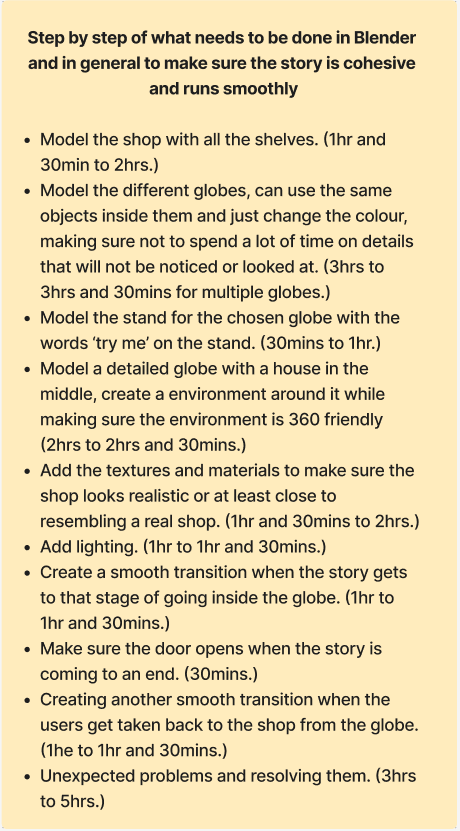
From start to finish the users have one to two goals in the actually story, one being to get close and try the globe in the middle of the shop since touching that globe will start the transition to the scene inside the globe, taking the users into the second goal which is to look around the scene and to hopefully understand what happened and that they got transported inside the globe itself. The final goal is to explore the globe scene to make the most of the calm atmosphere, and then as the end of the story nears they will transport back to the shop back in the same position in front of the globe. The way they will get transported back is by trying to open the door of the house inside the globe, and to make sure they do that as the story comes to an end the door will open to entice the users to come closer and as they try to go inside they will be transitioned back into the shop, this is to make sure that they don’t spend too much time inside the globe since at the end of the story they need to be back into the shop to be able to have a complete story with a satisfying end.
The most important part for this story to go smoothly is that the users are guided right by small details, taking the time to make sure these details are on the right second/frame is of crucial importance to make sure that the story is going according to the narrative, since with a 360 experience it can be easy for users to get lost in the scene and loose the main part of the story if they aren’t paying attention so in the plan it’s important to spend time touching up all of those crucial details.
Concept Storyboard
To visualise the project idea, I created a storyboard that brings in a visual element to what is expected to happen in the story, which there being 8 panels, each panel will be shortly explained as to what is happening in it to give context to the visual element.
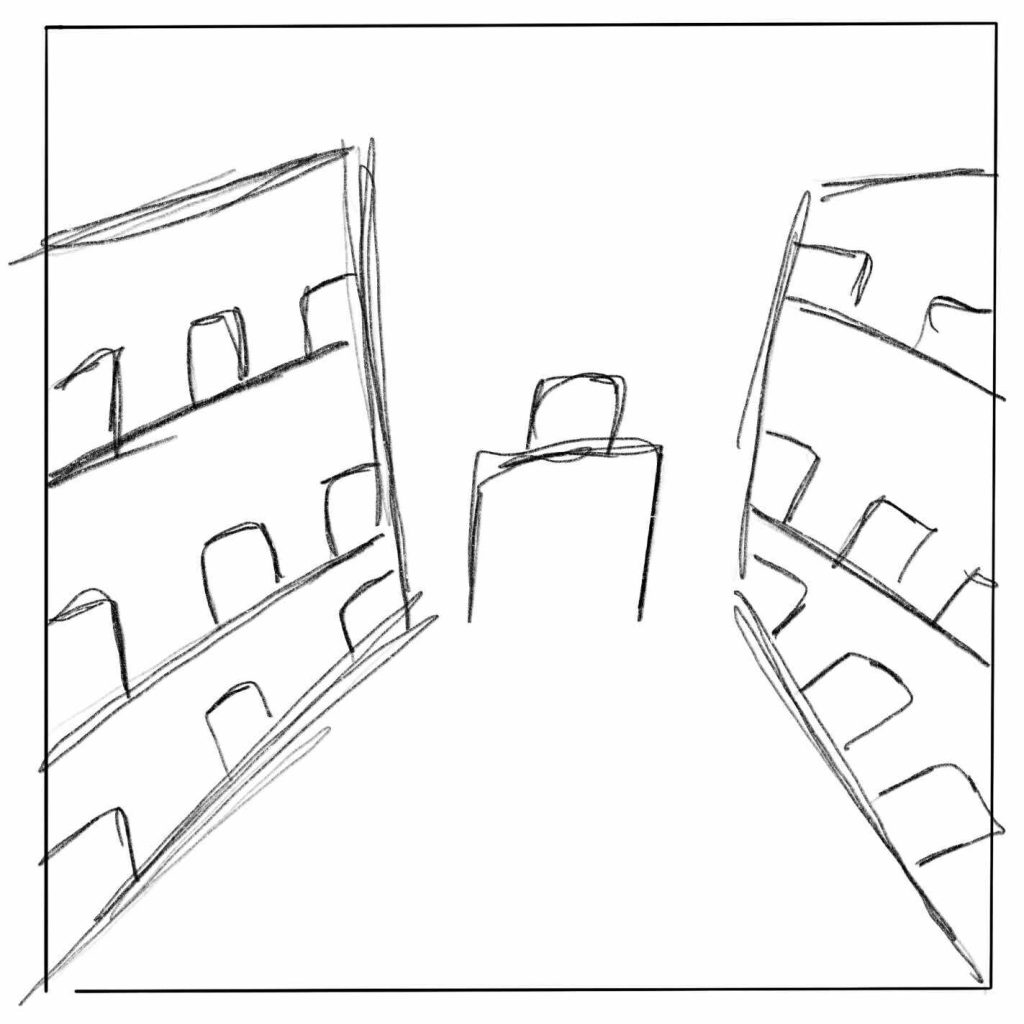
The first panel is how the story starts, the users facing the shop, two rolls of shelves lining the path like an arrow towards the stand with the chosen globe in the middle, using lights and composition of the shelves to guide the users into that direction, making them move closer towards it while also having the ability to turn the view and look around the shop as they are moving towards the stand.
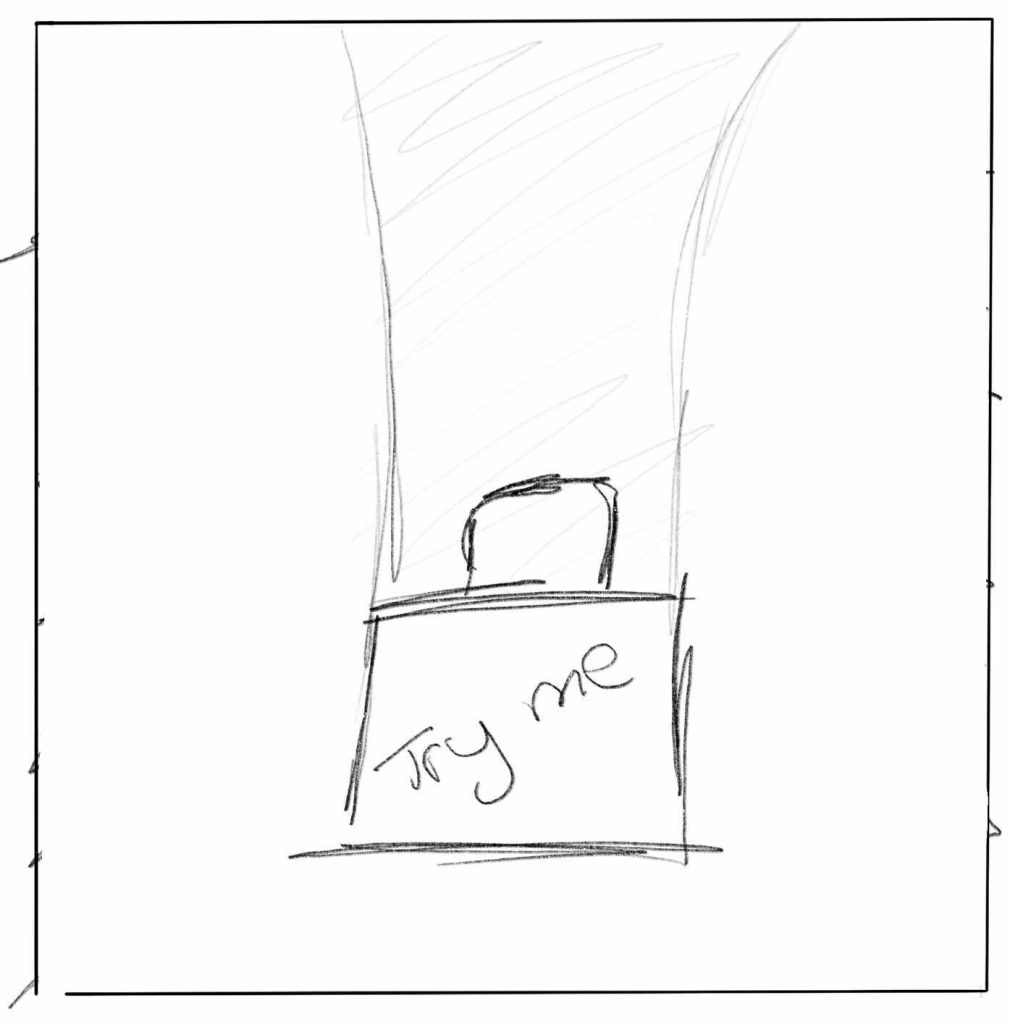
The second panel is when the users are in front of the panel with the globe, nothing interesting is happening yet, the panel will have the words ‘try me’ on it to prompt the users to move even closer to the globe before the transition takes place.
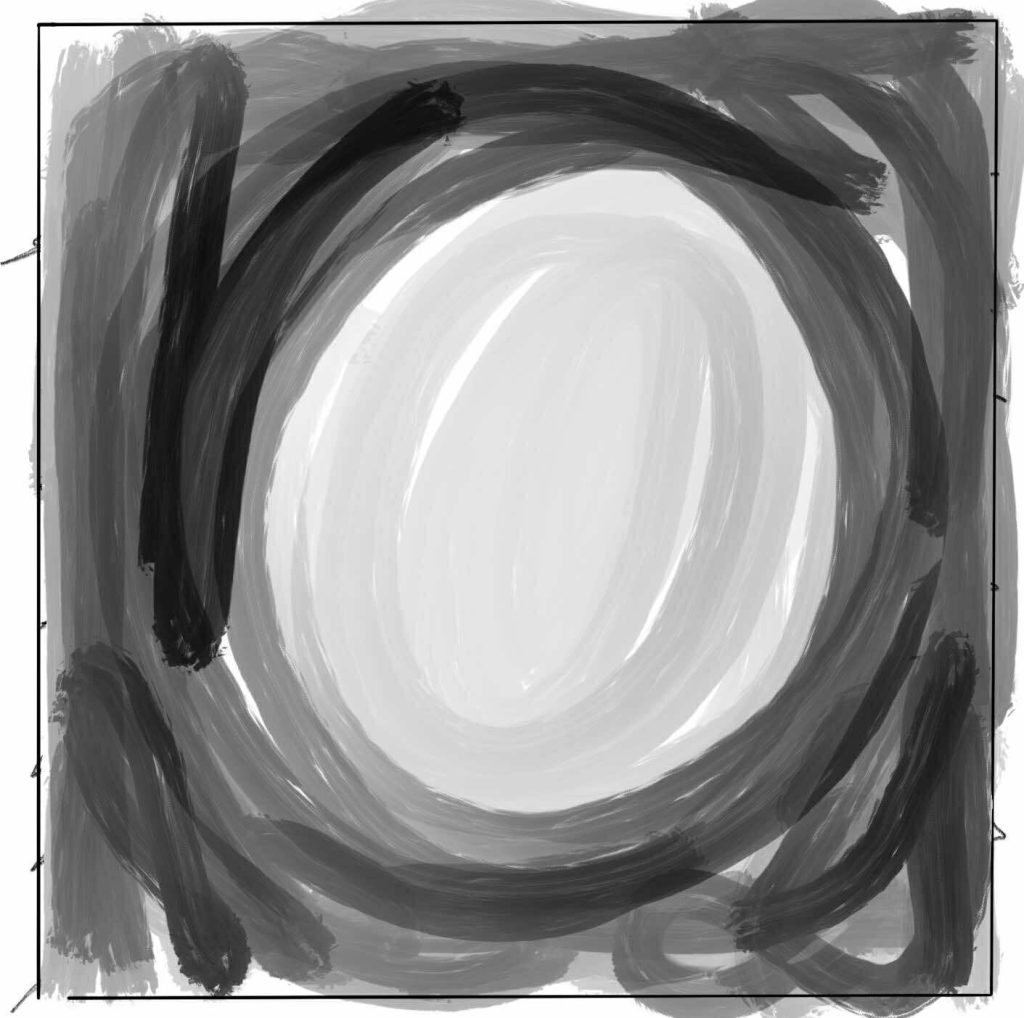
As expected, the third panel is the transition that will happen between the shop and the globe environment, this will be a smooth soft black light in front of the users making it seem like either they are blinking and it happens or they are very slowly closing their eyes before opening them again.
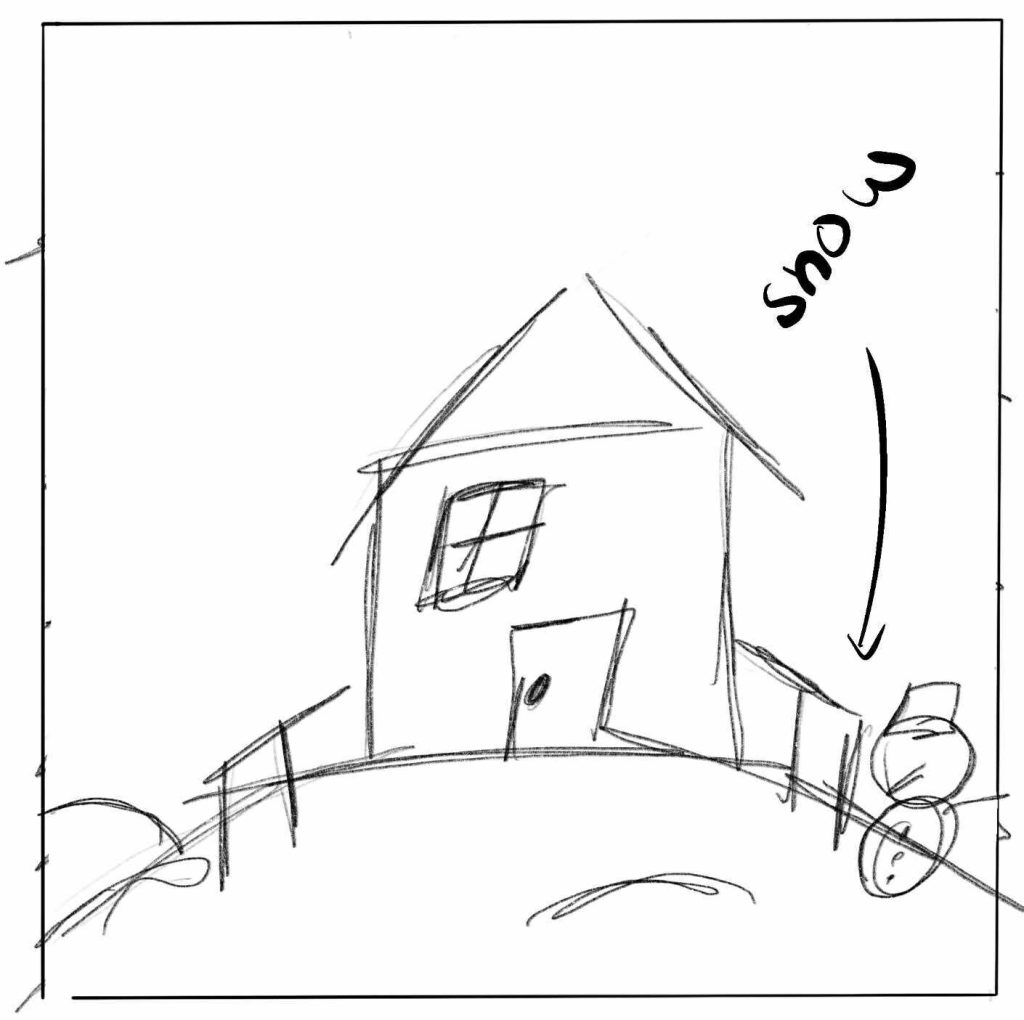
After opening their ‘eyes’ (when the transition is finished) the users will be greeted with the view from the globe but a bigger version, in this case, a snowy environment with a house in the middle, snow around the house with a fence and a snowman, this is intended to create a relaxed and calm atmosphere with the soft looking snow and smiling snowman, with soft lights coming from the house’s window.
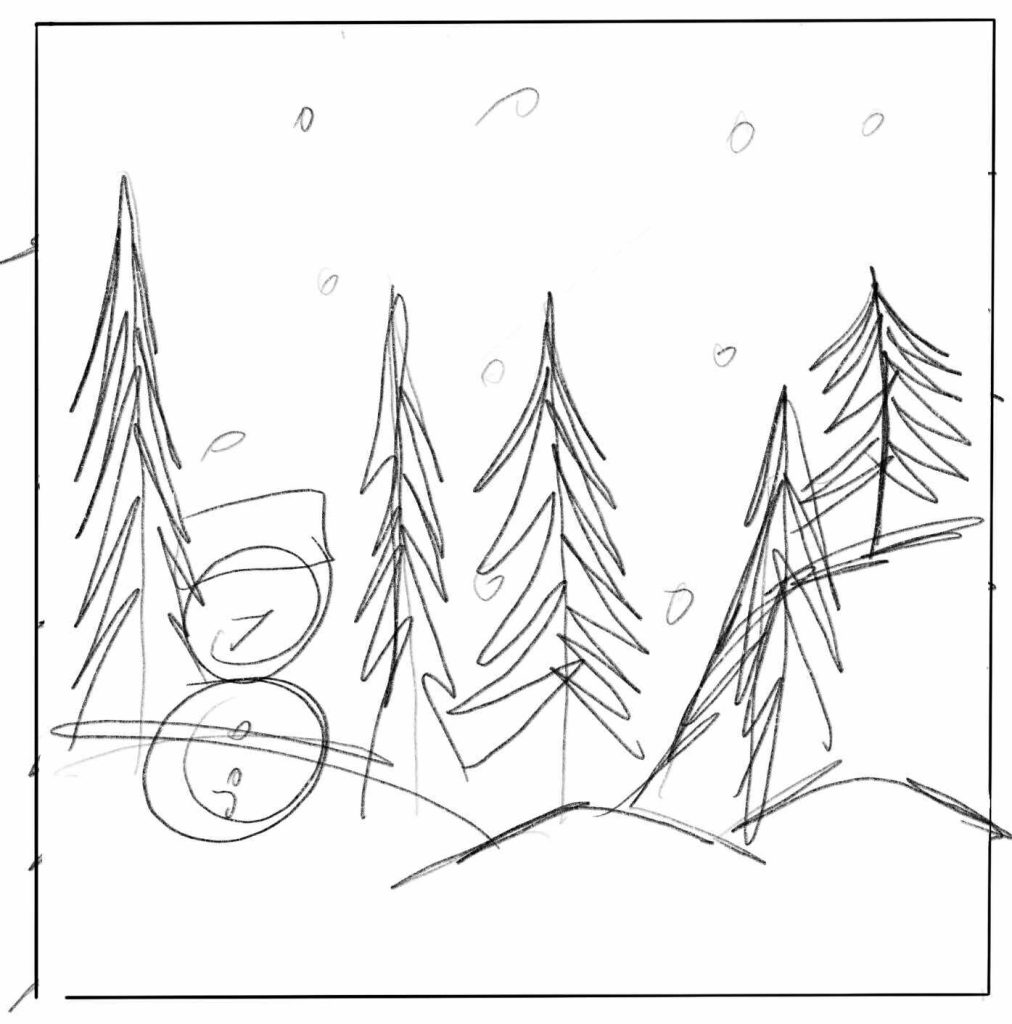
Due to the 360 view, the users can/will turn around and instead of the glass of the globe there will be more snow and a snowman behind them with multiple trees to create a beautiful snowy forest look, making the scene seem different then the globe, rather than having glass that shows the shop the users were just in there will be the forest to make the scene feel more complete and different than the shop, like the users are in a completely separate place.
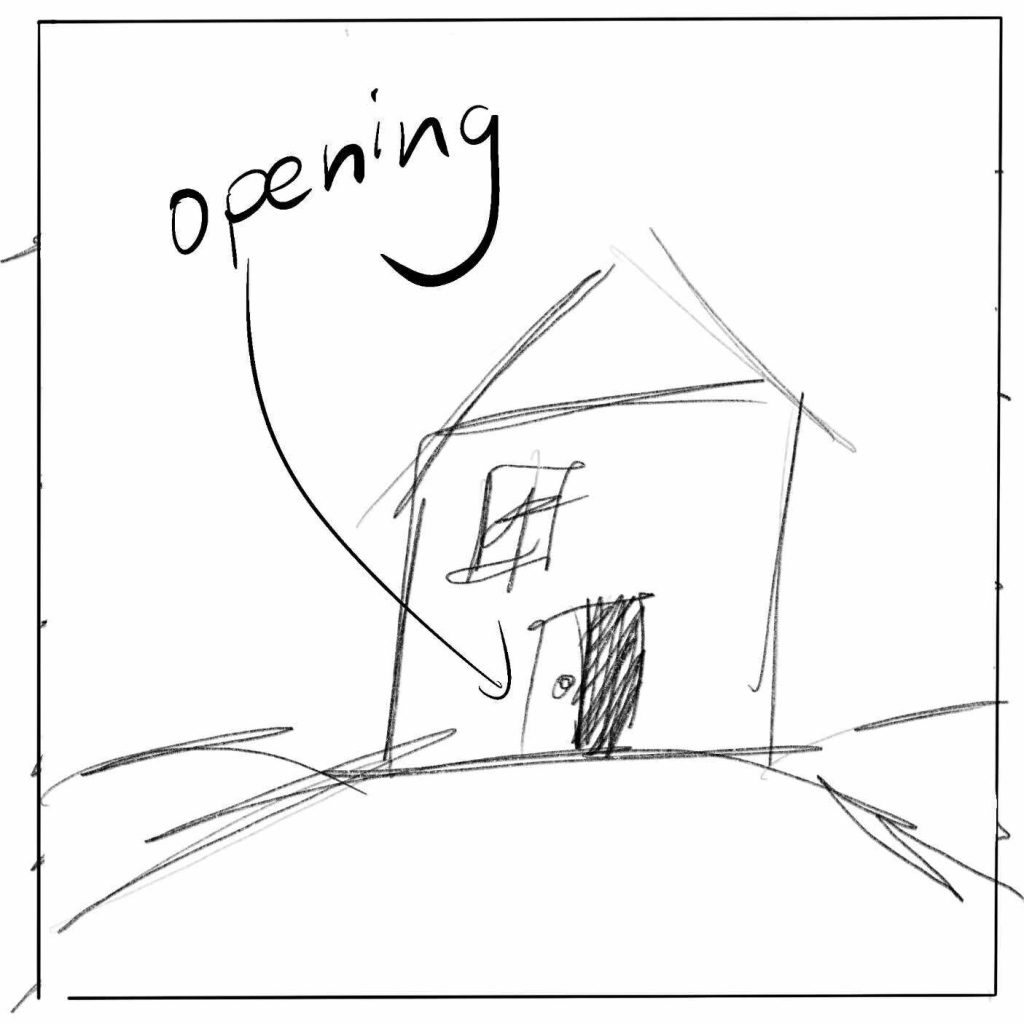
As the panels progress the users will turn back towards the house and when they do the house’s door will open slowly, making the users move closer towards it and as they do the scene will change once again.
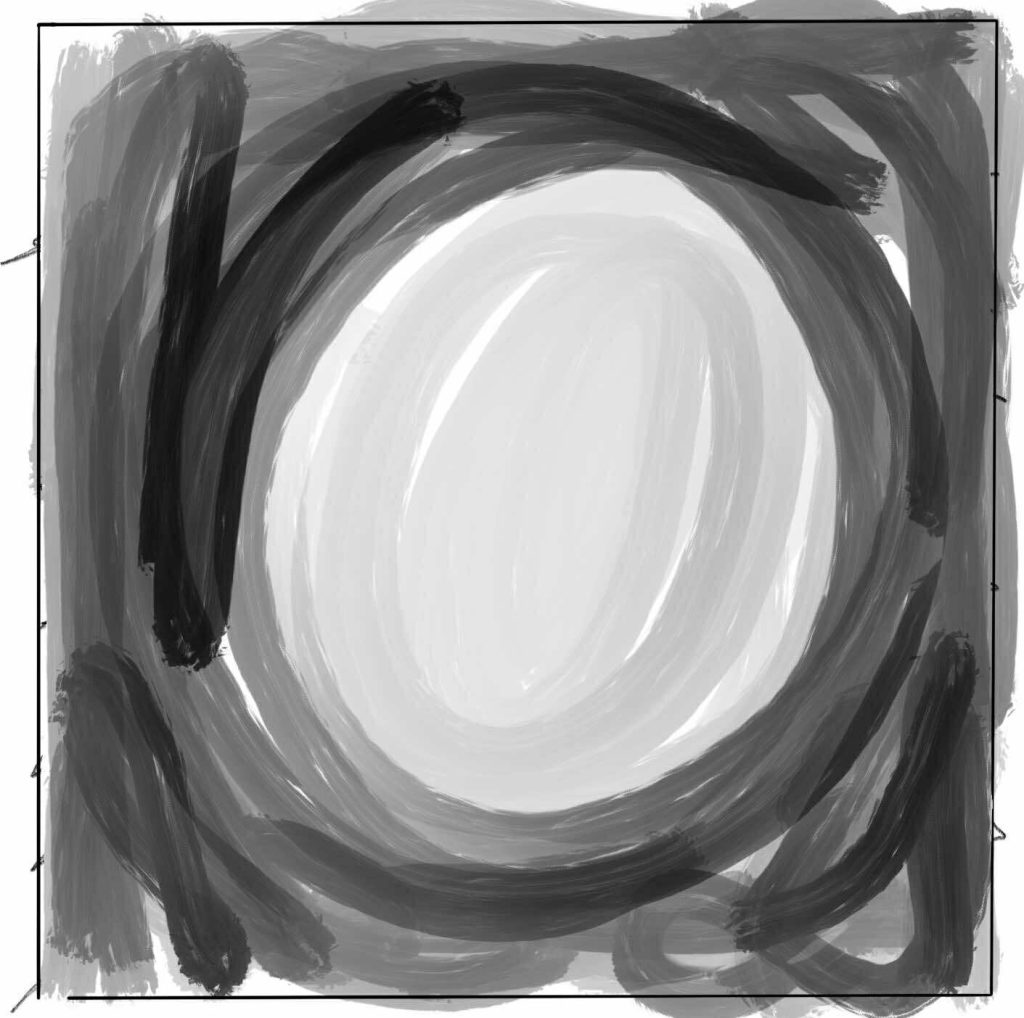
Like in the third panel, the soft transition will take place again making sure it’s not sudden and harsh to the soft and calm scene from before, transporting the users back to the shop.
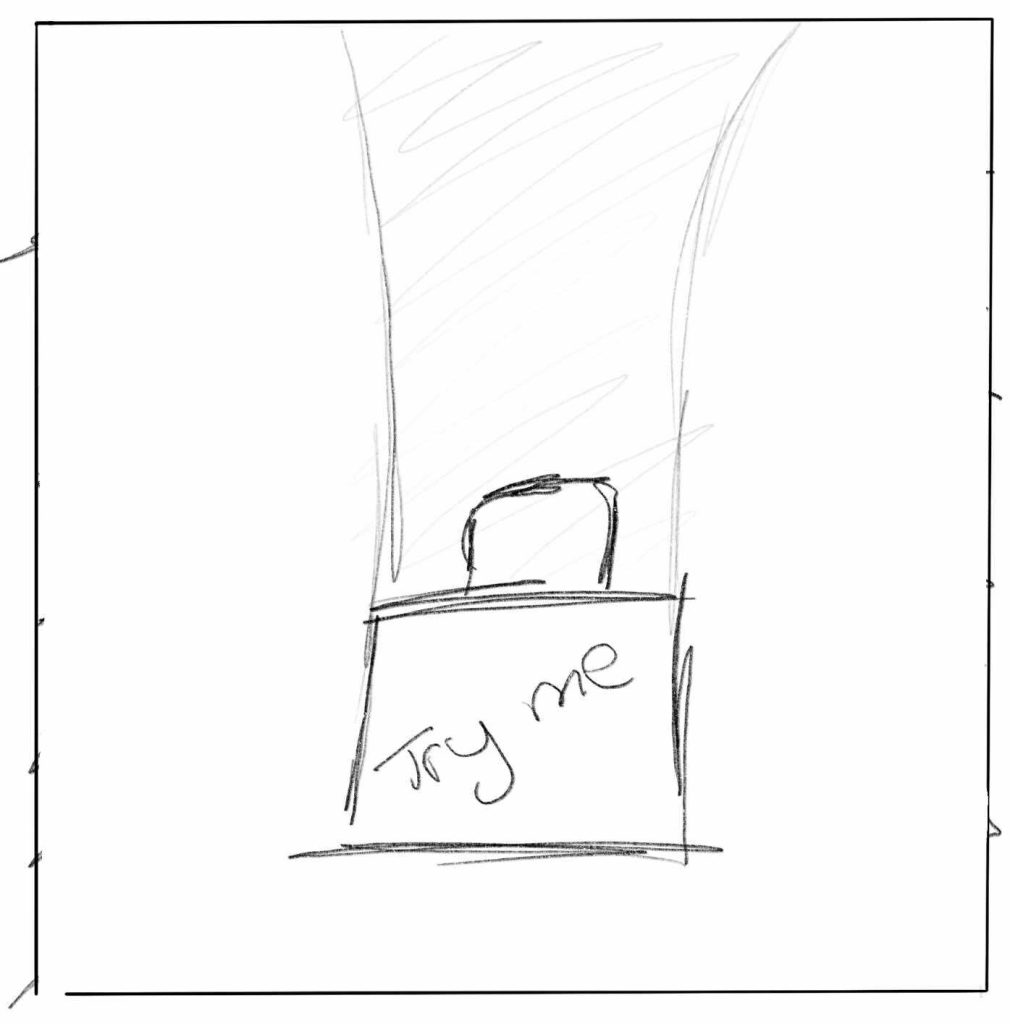
To finish off the story and the storyboard the final panel is of the users back into the shop, back in front of the globe as they were before in the second panel, finishing off the story and the experience.
Finally, the experience will end as the screen slowly turns to black and it ends.
1 -Super Mario 64 Walkthrough ᴴᴰ | Peach’s Castle (All Power Stars.) Nintendo Utopia. Available at: Super Mario 64 Walkthrough ᴴᴰ | Peach’s Castle (All Power Stars) [Accessed 02 November 2025]
2 – The Key Free VR Experience On The Oculus Quest Complete Playthrough. Scottish Gamer VR. Available at: The Key Free VR Experience On The Oculus Quest Complete Playthrough [Accessed 02 November 2025]
3 – TeamLab Borderless. Main page of the TeamLab website. Available at: [Official] teamLab Borderless TOKYO, Azabudai Hills [Accessed 02 November 2025]